Marketing your Instant Estimator
In this segment, we’ll walk through how to use the Instant Estimator in your marketing and where it fits into your overall strategy. You’ll learn how to share it across different channels, track where your leads are coming from, and use that data to focus on what’s actually driving results.
Lesson progress
🎨 Marketing Templates: Instant Estimator Canva Designs
Hi there. In this module, we're going to cover where the instant estimator is going to fit in your marketing workflow so that you understand how it supports, not replaces, your existing marketing efforts. We're going to go through why tracking your leads is so important. And we're also going to go through how to use your instant estimator across different channels, including how to use it in links, QR codes, and website embeds. We're also going to go through how to organize estimators for clear tracking so that you're able to confidently see which campaigns and different channels are driving real jobs. By the end of this module, you'll know how to use your instant estimator intentionally in your marketing. And we're going to go through how to turn it into a tool that helps you grow, not guess.
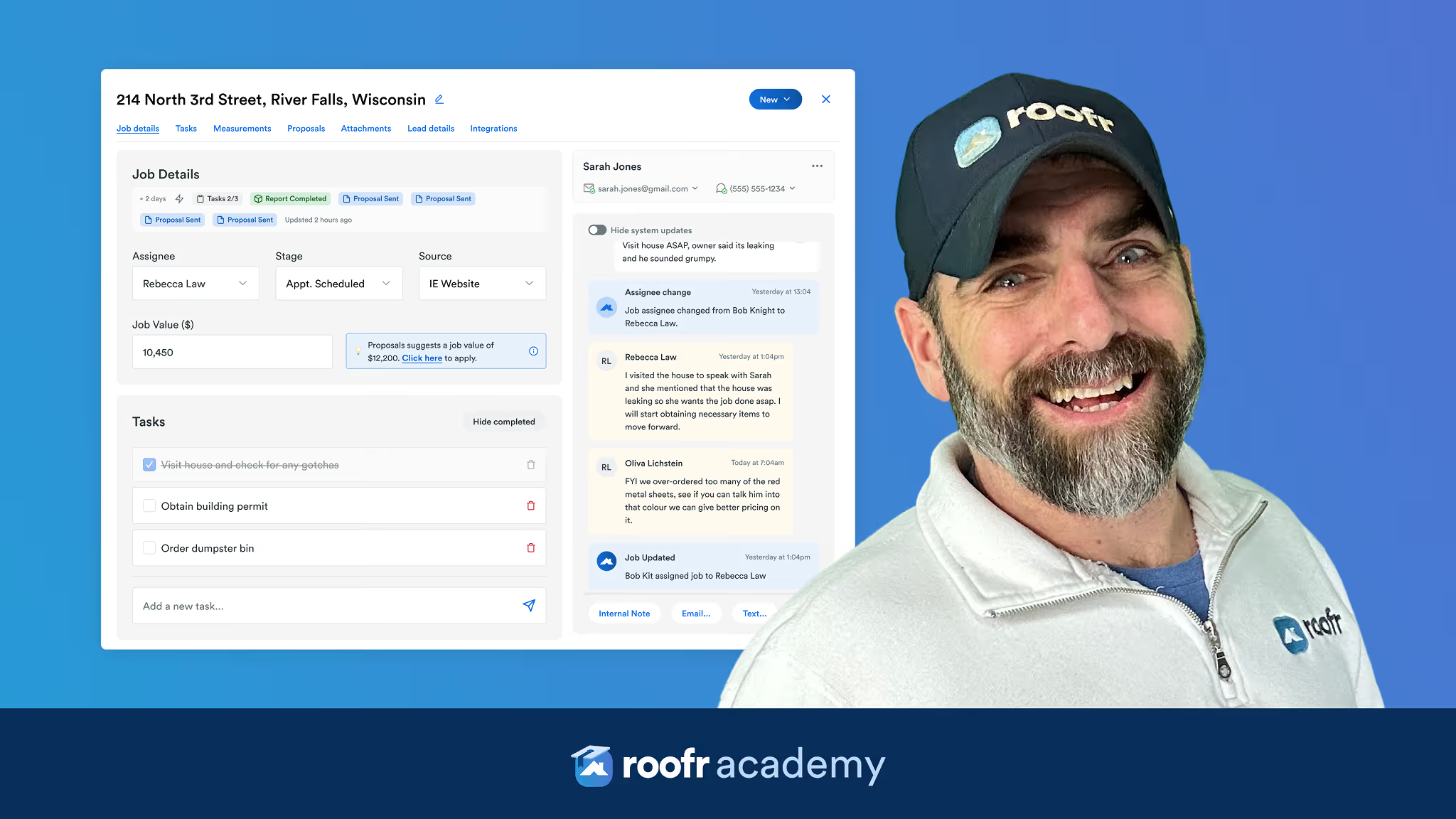
Okay, let's get into why multiple instant estimators matter so much in your marketing. Because marketing only works if you can tell what's actually driving the results. When homeowners see your business, whether it's through an ad, a truck wrap, a door hanger, or your website, each of those touch points is a different marketing investment. And if everything is pointing out to the same instant estimator, it's impossible to tell what's working. And that's why this is so important. You can create as many instant estimators as you want. Instead of using one instant estimator everywhere, we recommend duplicating your original instant estimator anytime you want to track a specific marketing source. By duplicating it, you have all the information you've already set up, but you'll actually be able to see what marketing channels are actually generating leads so that you stop spending money on marketing that isn't working. You double down on the campaigns that are bringing in the right homeowners. For example, a lead that comes from your website may behave very differently than a lead that comes from a storm ad or a door hanger. Separate instant estimators let you see those differences clearly without any guessing.
Okay, let's go through a couple different ways to share and use the instant estimator in your marketing. The first one is going to be the share link, the hyperlink. So when you go into an instant estimator, you're going to see a section at the top called "Share and Embed". The share link is what you're going to use everywhere online. So you can place this link on your website, in paid ads, on social media, in email signatures, text messages, anywhere you really want to use a link. Each instant estimator has its own unique link, which is how Roofr is going to track where that lead is coming from when they enter your pipeline.
The next way is embedding your instant estimator on your website. So, one of the most valuable places to use your instant estimator is directly on your website. While you can link it to anywhere, embedding it allows homeowners to get an estimate without ever leaving your site. So, how embedding works: In "Share and Embed," the same place we looked at last time, you can click "Embed Code". From there, you're probably going to have two options. The first option is going to be that you already have a website developer. In that case, you could just copy the embed code, send it to your developer, and they're going to add it to your site using an iframe. So, it's built directly into your website.
Option two is that you built the website yourself. The good news is it's still really easy to set up. So, if you're using a website builder like GoDaddy, Squarespace, any of those really, you can add an iframe or an embed element and then paste the code in there. So, again, it's very important when you use this embed code in your website that you are naming this website instant estimator. This is going to ensure that anytime a lead comes from your website, you're going to be able to immediately see that that's where they came from and you're going to be able to see how much traffic is coming through there.
Okay, let's go through a couple real-world examples of using the instant estimator in your marketing. So, there are three really common ways that contractors use the instant estimator. The first one is the hyperlink. Like I said, this is really great if you're doing any marketing online. So, email signatures, social media, anything like that; they'll be able to click on it and it'll immediately take them to your instant estimator. Another way is a QR code. So on printed materials like business cards and door hangers, your leads can just quickly scan it with their device and they'll be brought to your instant estimator on their phone.
And of course, the last one, embed it on your website. And that way homeowners are able to get an estimate without opening a new tab. Each method is going to use the same instant estimator information; it's just delivered in different ways. By using a collection of these different techniques in your marketing, you're going to be able to track which of these locations, whether it's business cards, door hangers, a billboard, or a truck wrap, is performing the best and which one is getting you those most valuable leads. And really, the world is your oyster. Anywhere you can put a link or a QR code where you think that you're going to be able to get the most leads, go for it. You'll be able to track the success all in Roofr.