Automations and your Instant Estimator
In this lesson, we’re going to cover what happens after a homeowner completes your Instant Estimator, and how it fits directly into your workflow. You’ll learn where your leads go, how they’re automatically assigned, and how to use automations and templates to follow up quickly and consistently without extra manual work.
Lesson progress
* In this module, we're going to be covering what happens after a homeowner completes your instant estimator so you know exactly where leads go and how they're going to be handled.
* We're going to go through why fast follow-up is so important and how speed and confidence impact whether you win or lose a job.
* We're going to go through how to move leads towards the next step using the information that the instant estimator has already collected for you and how to automate an assigned follow-up without any extra work so nothing slips through the cracks as your business is growing.
* By the end of this module, you'll know how to turn the instant estimator submissions into confident follow-ups and how to move leads from estimate to proposal faster.
* Getting the lead is only half of the challenge.
* The real difference between companies that win jobs and companies that lose them really comes down to one thing, how fast and confidently they're able to follow up.
* The instant estimator is designed to make that follow-up easy, automatic, and seamless for you and your entire team.
* Now that your lead has gone through the entire instant estimator, let's look into where that lead information actually is going to go.
* When the homeowner completes your instant estimator, that lead isn't just going to disappear into an inbox somewhere.
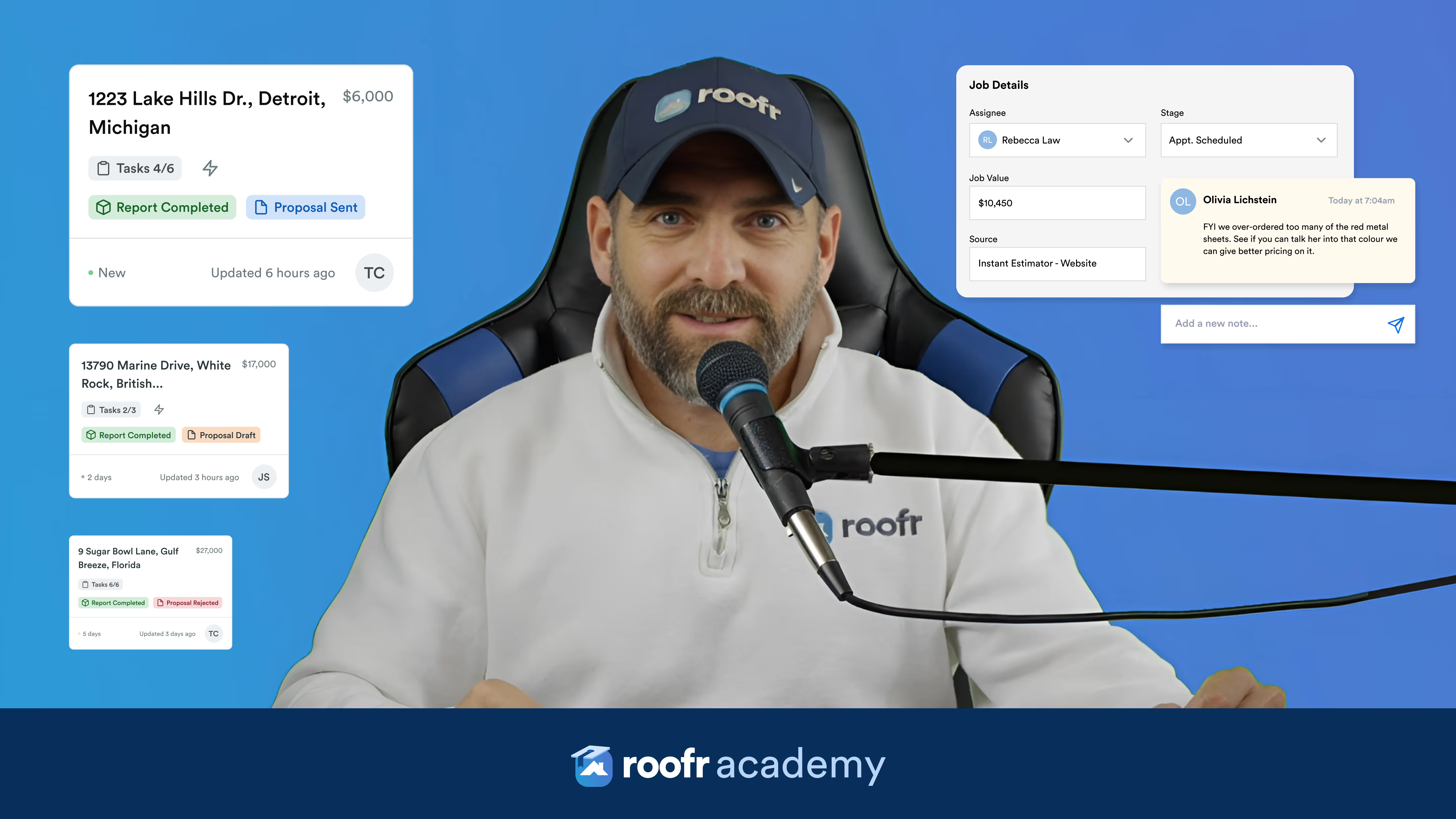
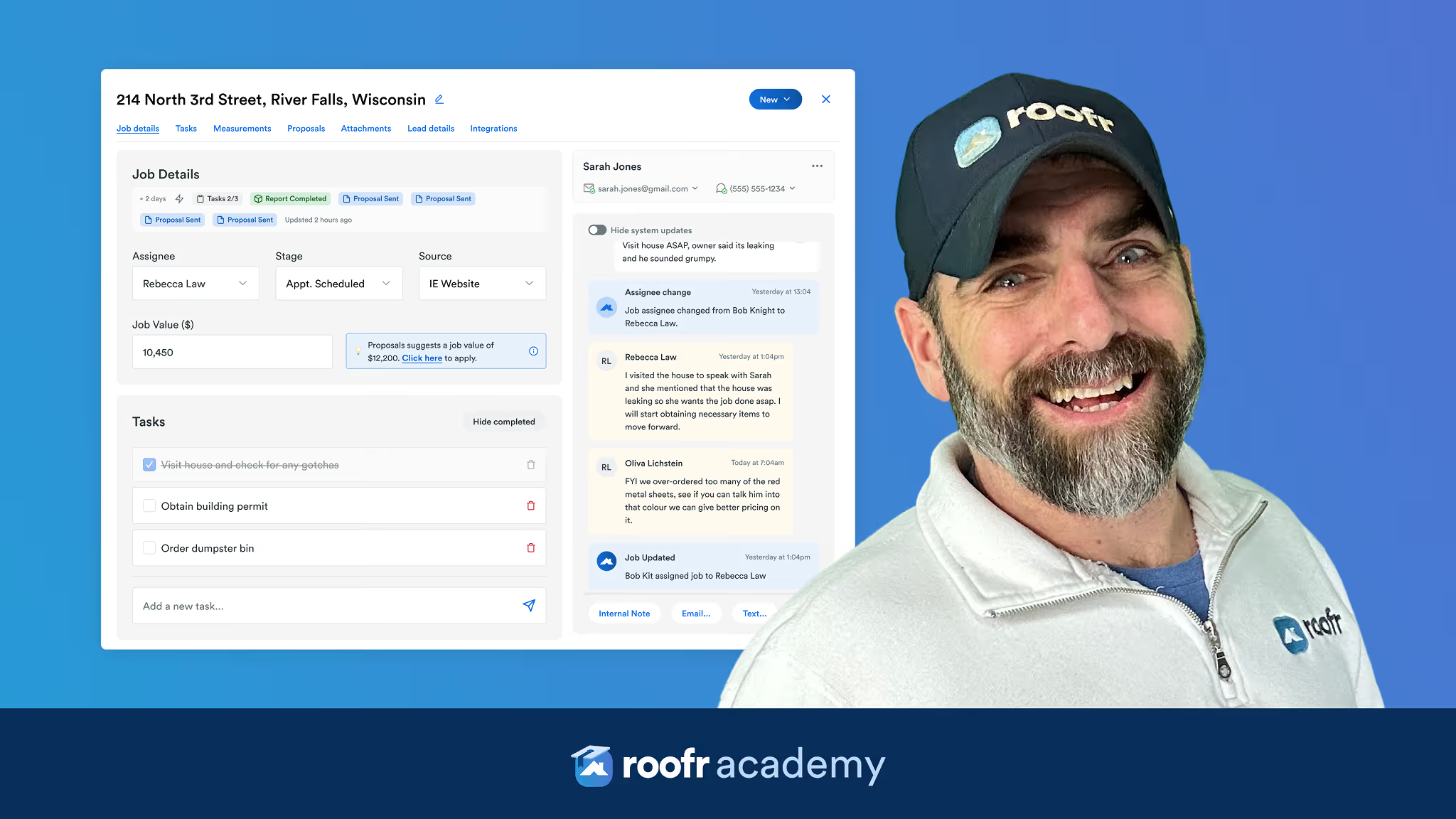
* It automatically enters your Roofr pipeline as a new lead, clearly marked and assigned.
* This means you don't need to do any more copying and pasting.
* There's no missed emails with endless chains, and no guessing where the lead came from, who's assigned to it, and what the next steps are.
* You're going to be able to open that lead within as a new job card in your Roofr pipeline and immediately see the address, the estimate range they saw, the answers that they gave to your questions, who they've been to assign to automatically on your team, where they came from (website, ad, QR code, a campaign), and you're going to be able to confidently take those next steps.
* Okay, let's get into how you're going to convert a lead into a job with a proposal faster.
* Homeowners who use the instant estimator are usually still shopping.
* If you wait a day or even a few hours, there's a good chance that somebody else already followed up.
* So, the goal is simple.
* Reach out when you're still top of mind.
* And that doesn't necessarily mean a hard sell as soon as you get that lead information.
* It means a helpful and confident first touch.
* A very strong follow-up starts by acknowledging all the information they just saw in the instant estimator.
* Instead of asking them to repeat themselves or clarify the information they already gave, you're going to be able to enter all these conversations already knowing their address, their roof type, their estimate range, all of the details that are going to allow you to ask those next steps with more confidence.
* Instead of going and giving them a call or an email saying, "Hey, I saw you ran an estimate for your home on Maple Street. Wanted to follow up and just see if you had any questions about the range you just saw.".
* Using the details from the instant estimator, you can construct a much more confident follow-up, something like, "Hey, I saw you ran an estimate for your house on Maple Street. I've taken a look at the age of your home, the location, and all of these other details, and I'm able to provide a quick and accurate quote based on the materials you said you were interested in. Can I send that your way?".
* This feels personal and actionable next step without feeling really pushy.
* A big piece of when a new lead enters your workflow is how it gets assigned.
* You can control who on your team is going to get notified and assigned to a lead when they first enter that pipeline.
* When you're creating an instant estimator, you're going to be able to set a default job owner.
* For example, a specific sales rep, someone covering a certain geographic area, whoever is handling a specific campaign.
* And this is going to really be able to keep your leads moving quickly.
* And it helps your team stay accountable without all of this additional manual routing.
* They'll get a notification when a new lead has entered their pipeline, and if needed, they'll be able to reassign it.
* Another massive piece of the instant estimator is automations.
* With automations, you don't need to assign everything manually.
* You're going to be able to automatically do a whole bunch of different functions such as sending a follow-up email as soon as they enter your pipeline, sending a message confirming that you received your request, and setting expectations for the next step.
* This doesn't replace a personal follow-up, but it supports it.
* This also buys you time and reassures the homeowner that they didn't just fall into a black hole.
* You can set up automations that are for tasks, but a main one is for communication like emails and SMS.
* So, you can follow up quickly by creating communication templates so that your team doesn't have to start from scratch every time they want to reach out to a lead.
* Templates are going to let you set up a standard response at once and reuse it for email or SMS so your team can respond fast and stay consistent.
* So, let's get into how to set one up.
* First, you're going to go to your communications tab.
* Then, click create template.
* Add an internal name, for example, "asphalt follow-up".
* Write the message that you want your team to start from.
* And then you can add in dynamic fields so that the lead's details auto-populate like name, address, and contact details.
* And then all you have to do is save it.
* You can use it to automatically send those follow-ups when they enter your pipeline.
* But templates remove the friction and they help your team follow up faster, sound consistent, and never start from a blank message, especially when speed matters most.
* With all this automatic follow-up and all these details, they're all leading up to something very important, and that is showing up with a proposal in hand.
* The hard part is done.
* Once you've locked in that appointment and built that rapport with a customer, you're going to be able to show up to their house with a proposal in hand because the lead already exists in Roofr.
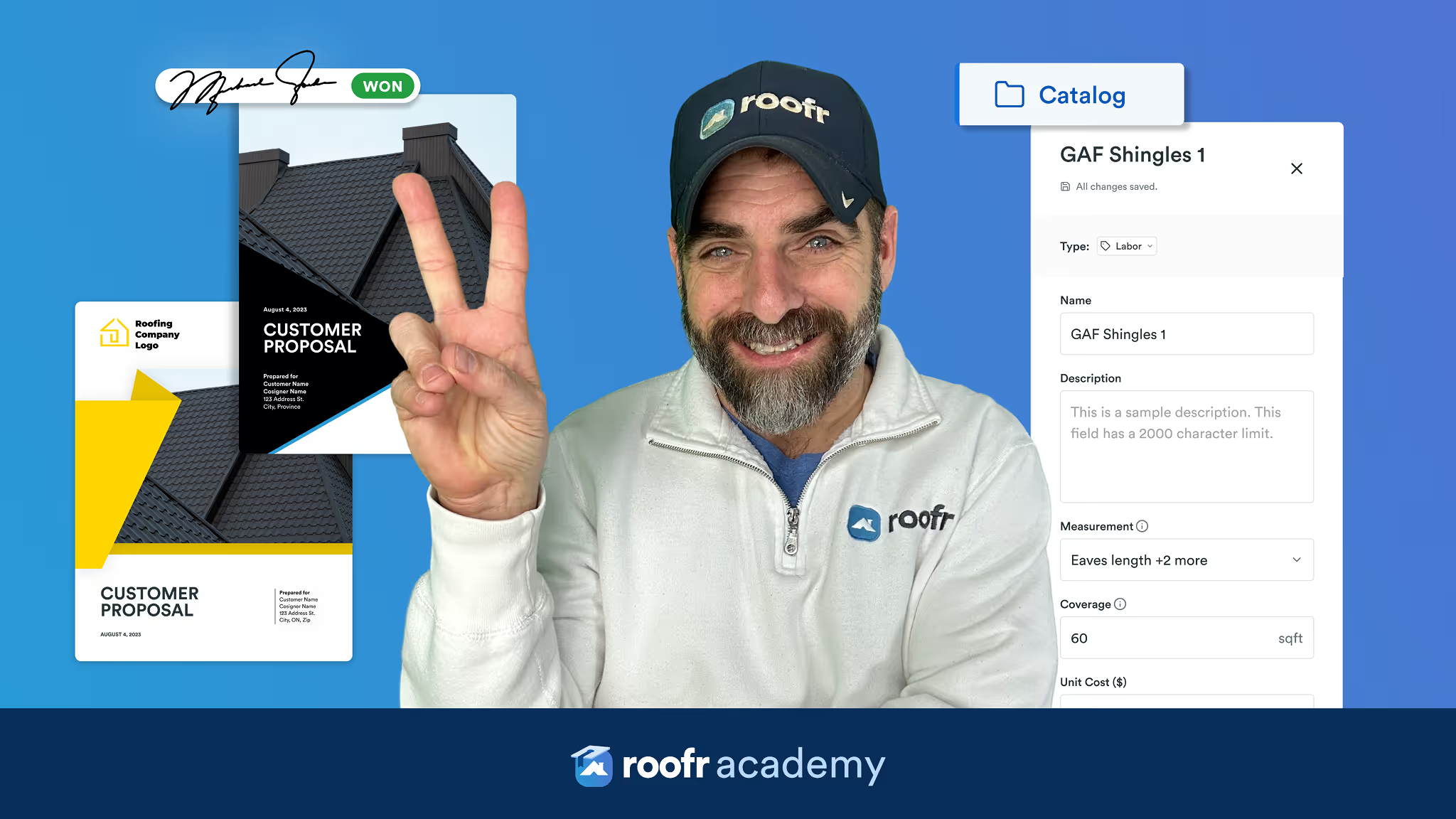
* And once you've contacted them, you're going to be able to quickly order a measurement report, create a proposal using proposal templates, and add in any additional information from your instant estimator for additional context.
* You're also going to be able to edit that proposal in real time when you're with the customer.
* Let's go through what an instant estimator to a proposal entire workflow looks like.
* A homeowner is going to run an instant estimate.
* They get a price range.
* They are automatically added as a lead.
* You follow up quickly.
* Homeowner confirms the interest.
* Then you can order a measurement report or draw it yourself.
* You create a proposal tailored to their needs.
* You show up to the appointment with a proposal.
* And this whole time you're going to be able to track what's working because you know where that lead came from in the first place and whether they're converting because each instant estimator can be tied to a specific source.
* You're also going to be learning over time.
* You're going to be able to see which estimators are bringing in the most leads, which ones turn into real jobs, where your marketing dollars are actually paying off, and that's going to allow you to double down on what's working and stop guessing.
* Now that we've gone through how to set up your instant estimator, how to use it in your marketing, what it looks like in your workflow, and how to get to that proposal faster, we're going to go through the final step, which is refinement.
* In the next lesson, we'll talk about how to review your lead quality, adjust pricing and questions, and keep improving your results over time.